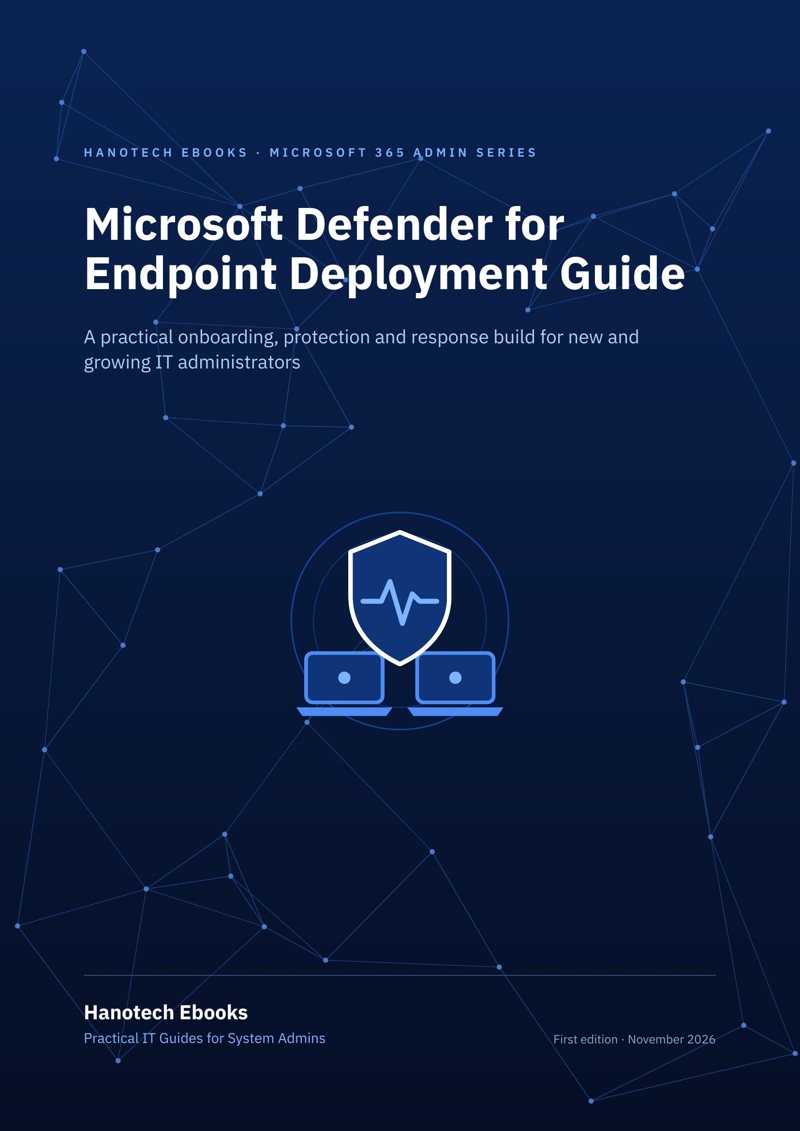
Microsoft Defender for Endpoint Deployment Guide
£2.99
- Instant PDF download (link valid 72 hours)
- Secure card payment by Stripe
- Receipt and link emailed to you
Roll out Microsoft Defender for Endpoint from an empty portal to a policy-driven Windows estate
Written for new and growing IT administrators, this practical guide follows one example organisation from an empty Defender portal to a policy-driven Windows estate: every Windows device onboarded, your old antivirus replaced without a gap, and attack surface reduction turned on without breaking the business.
Who it's for
New and growing IT administrators, MSP engineers and sysadmins who need to take Microsoft Defender for Endpoint from an empty portal to onboarded Windows devices, including replacing a third-party antivirus and turning on attack surface reduction without breaking the business.
What you'll build
A policy-driven Defender for Endpoint estate, following one example organisation: first-time setup in the Microsoft Defender portal, onboarding Windows devices and servers with Intune, Group Policy or a local script, Microsoft Defender Antivirus policy, attack surface reduction rules from audit to block, and the hook into device risk, compliance and Conditional Access — plus an eight-week rollout plan and a troubleshooting playbook. A build checklist and glossary are included.
Prerequisites
You will work in the Microsoft Defender portal and the Microsoft Intune admin centre. The guide covers Plan 1, Plan 2 and Defender for Business licensing, roles, supported systems and network prerequisites. That is what the book walks through; this page does not name a single required SKU.
What's inside
- Plan 1, Plan 2 and Defender for Business licensing, roles, supported systems and network prerequisites
- First-time setup in the Microsoft Defender portal: data location, advanced features, device groups, unified RBAC roles and the Intune connection
- Onboarding Windows devices and servers with Intune, Group Policy or a local script, in rings, with verification checks and the detection test
- Microsoft Defender Antivirus policy, update channels, tamper protection, EDR in block mode and replacing a third-party antivirus
- Attack surface reduction rules from audit to block, network protection, web content filtering and indicators
- Device risk, compliance and Conditional Access, incident and alert triage, automated investigation, vulnerability management, an eight-week rollout plan and a troubleshooting playbook
Every step tells you exactly where to go in the Microsoft Defender portal and the Microsoft Intune admin centre, following one consistent example build throughout, with a build checklist and glossary.
For the Intune connection and device management baseline, see the Microsoft Intune Device Setup Guide. For the access policies that can use device risk and compliance, see the Microsoft Entra ID Conditional Access Guide. All live titles are in IT Ebooks.
Instant PDF download after purchase.